





AI Summary by Talkbar
What is Talkbar?
Talkbar is an AI website assistant that works like ChatGPT but just for your website, allowing visitors to ask questions and get instant answers from your content.
What problem does Talkbar solve?
It helps users find direct answers when they arrive with specific questions, reducing friction and guiding them through the buyer journey from discovery to decision.
Where can Talkbar be used?
Talkbar works across e-commerce, enterprise, documentation, education, and internal knowledge bases.
How does Talkbar help teams?
It improves the visitor experience while helping move users down the funnel and giving teams visibility into real user questions and intent.
What is Talkbar?
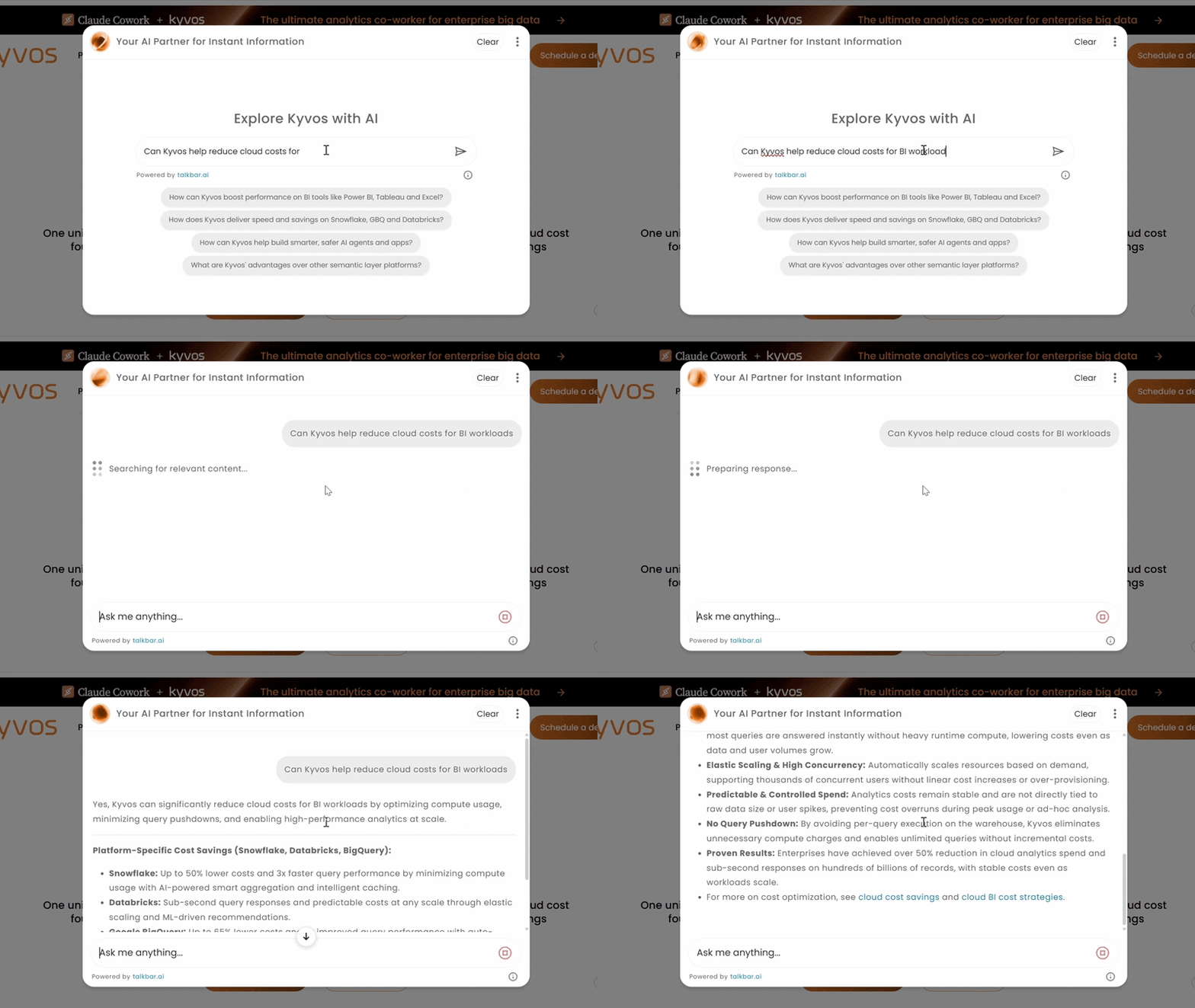
Talkbar is an AI website assistant that works like ChatGPT but just for your website, transforming static content into an interactive chat first experience.
Instead of relying on menus, keyword-based search bars, or long browsing sessions, Talkbar allows visitors to ask questions in natural language and receive accurate, context-aware answers instantly. It interprets intent, understands conversational context, and retrieves information directly from your website’s content. The result is a fast, intuitive, and brand-aligned conversational layer. It works seamlessly across pages, documentation, and knowledge bases to helps users find what they need without hassle.
What are Talkbar’s key features?
- Conversational, context-aware search
- Unified content indexing
- Performance and reliability
- Customization and control
- Talkbar can be styled to match your website, including colors and interface appearance.
- Tone and voice can be configured to align with your brand guidelines.
- Guardrails allow teams to define what Talkbar can and cannot answer.
- Teams control which pages or sections are included in content indexing.
- Insights and analytics
- Enterprise-grade security by design
- Private and controlled content indexing
Talkbar goes beyond keyword matching. It understands what users mean by maintaining context across questions and recognizing nuanced intent, delivering answers that feel relevant and complete.
Talkbar ingests both structured and unstructured content and merges it into a single searchable layer. Product pages, documentation, FAQs, articles, and internal resources all become accessible, maintaining responses that are consistent and accurate.
Talkbar is optimized for low-latency responses and high traffic volumes. Intelligent caching, load balancing, and a scalable architecture ensure reliable performance across websites of all sizes, from small sites to complex, multi-layered platforms.
Talkbar is designed to adapt to your brand so teams retain full control over how Talkbar looks, communicates, and operates on their website. This ensures that Talkbar feels native to your site while remaining safe and aligned with your goals.
Talkbar includes a centralized dashboard that gives teams direct visibility into how visitors interact with their website. Instead of relying on surface-level metrics, the dashboard shows real conversations, making it easy to understand what users are asking and what they are trying to achieve.
Security is built into Talkbar at every layer. All data is handled using strong encryption practices to protect information both in transit and at rest. Talkbar adheres to modern privacy standards, ensuring that user data is managed responsibly and transparently.
Talkbar gives teams full control over what content is indexed and used for responses. Only the pages and sections you choose are included. This ensures accuracy, privacy, and confidence when deploying Talkbar on customer-facing or internal websites.
What are Talkbar’s top use cases?
Talkbar adapts across a wide range of industries and content ecosystems, making it useful wherever users need quick, clear access to information.
- E-commerce
- Documentation
- Enterprise
- Internal knowledge bases
For e-commerce websites, Talkbar helps shoppers quickly find products, compare options, and understand pricing and policies. Visitors arrive with different questions and by answering those questions in real time, Talkbar helps move each visitor forward to the next step.
For documentation sites, Talkbar helps users find the right information without scrolling through long pages or navigating deep menus. Visitors can ask direct questions and get answers pulled directly from the site’s content. Over time, repeated questions and subsequently unanswered searches show where content needs improvement.
On education-focused websites, Talkbar can help students and applicants choose programs and find admissions details, resources, and institutional information. This approach simplifies complex site content and reduces confusion in critical moments.
For internal teams, Talkbar makes organizational information available immediately. Employees can access any and all articles and policies with increasing ease, reducing time spent searching and improving consistency across teams.
How does Talkbar benefit companies?
- Guiding visitors through the funnel
- Better experience for website visitors
- Clear visibility into customer intent
- Stronger alignment across content, product, and marketing
- Decisions grounded in real user behavior
Talkbar helps move visitors along their buyer journey by answering questions at every stage. Whether they are exploring options, evaluating details, or looking for confirmation before deciding, Talkbar provides timely, relevant information that keeps them progressing instead of dropping off.
Many users arrive with a specific pain point and are looking for a direct answer. If they are forced to navigate complex menus or guessing search terms, those visitors will bounce. Talkbar assists a website in overcoming this challenge and makes user experience less frustrating, shortens discovery time, and encourages deeper exploration.
Every interaction with Talkbar reveals what users are actually trying to accomplish. Teams can see the questions, the language used, and pain points most queried. Teams understand can now rely on real data instead of inferred behavior based on clicks or page views or heatmaps.
Talkbar insights help content teams identify gaps and prioritize what to create. Similarly, product teams can spot recurring questions that signal unmet needs or functionality errors
Sales and marketing teams gain access to authentic customer language and interests, allowing campaigns to align more closely with how customers want to be approached.
Instead of relying on assumptions, surveys, or isolated feedback, teams can base decisions on continuous, real-world interaction data. Conversation trends, recurring topics, and resolution patterns provide a reliable foundation for improving user experience and guiding long-term planning.
How to set up Talkbar under 1 minute
Getting started with Talkbar is straightforward and intentional. You sign up, connect your website, and let Talkbar learn directly from your content. The setup is designed so that anyone can do it, and there is no engineering dependency.
- Step 1: Add your knowledge
- Step 2: Customize the experience
- Step 3: Integrate and launch
- Step 4: Monitor and refine
After signing up (https://app.talkbar.ai/signup) create a new Talkbar and define what it should learn from. Most teams start with a full website crawl by entering their site URL, and Talkbar then begins indexing content automatically.
Once your content source is set, choose how Talkbar appears on your site. You can adjust placement, colors, brand tone, and add a custom CTA.
After Talkbar completes syncing your content in the background, you get an embed code. Copy this code and paste the script into Google Tag Manager as a custom HTML tag. Once submitted, Talkbar is live immediately.
With Talkbar live, you can review real visitor questions in the dashboard. These insights help you refine content, adjust responses, and improve the experience over time.
Try Talkbar on your website
Talkbar is designed to be experienced, not explained. Once added to your site, it immediately begins helping visitors find what they are looking for, without complex setup or ongoing maintenance.
Ask it real questions. See how it responds using your content. Watch how visitors interact when the site answers back.
The goal is simple: move from “I wonder how this would work on my website” to “this is already answering real questions” with minimal effort.
If you are curious to see how Talkbar fits into your site and your content, you can start here.